Mini cameras
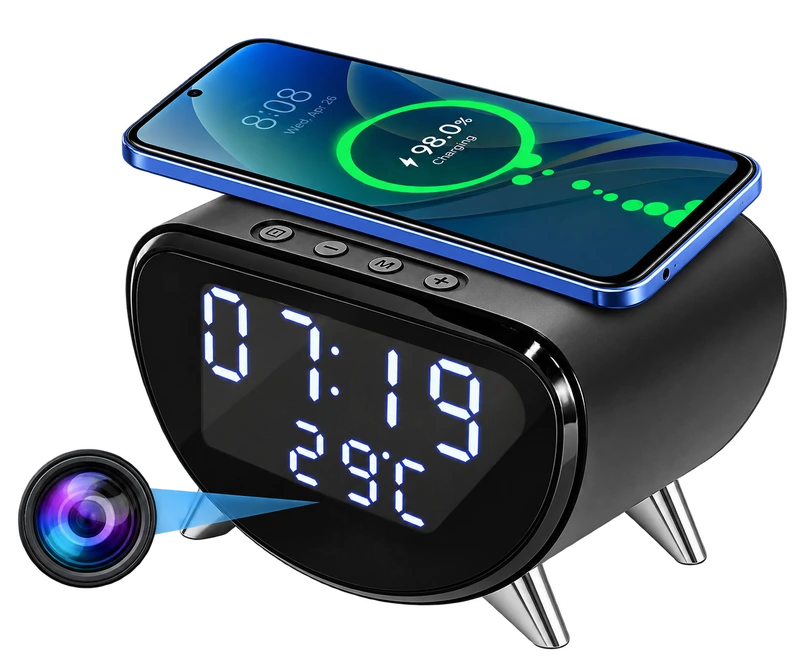
4K WiFi Clock Camera – Wireless Charging, Night Vision & Motion Alerts
A desk clock, a Qi charging spot and a camera in one footprint. Start with where it will sit, then check how you want to store footage.
THE EVERYDAY EDIT / VOL. 01
Discover the clever. Understand the useful.
A considered look at technology that fits real life.
Less scrolling. More understanding.
Discoveries from the MySmartLife collection.
THE SHORTLIST
A desk clock, a Qi charging spot and a camera in one footprint. Start with where it will sit, then check how you want to store footage.
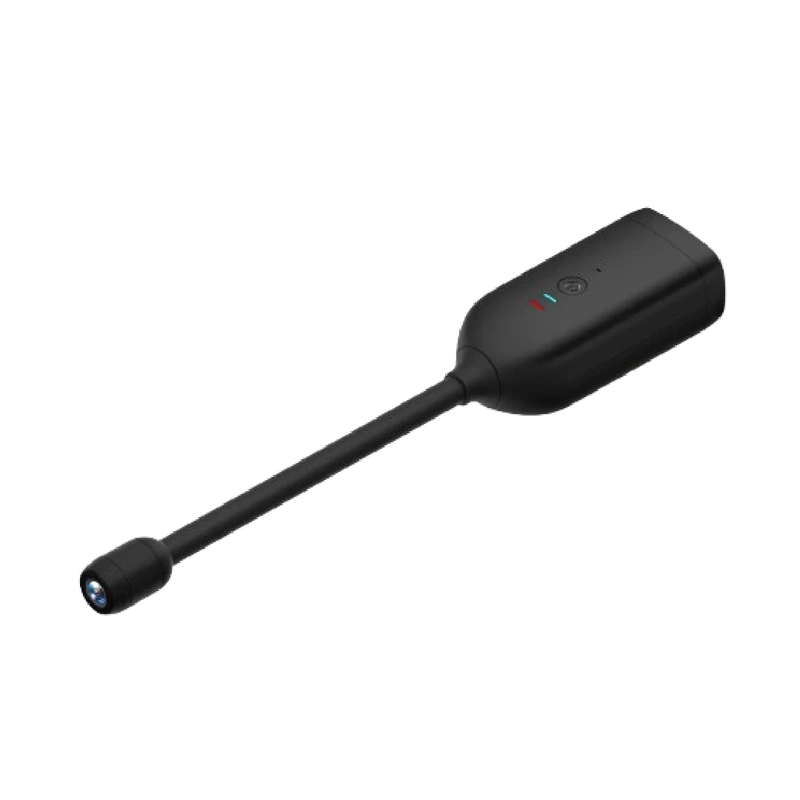
The QJ700 pairs a compact body with a flexible lens cable. Its appeal is placement flexibility, with the lens kept clear and openly identified.
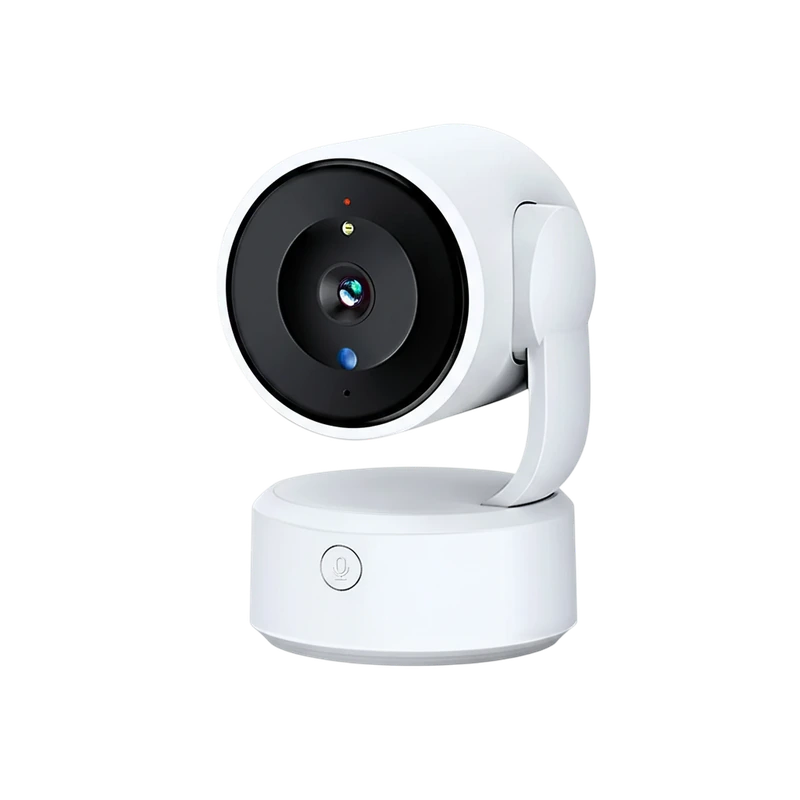
An indoor camera with remote pan and tilt, two-way communication and a physical call button. Placement needs to work for both the lens and the person using that button.
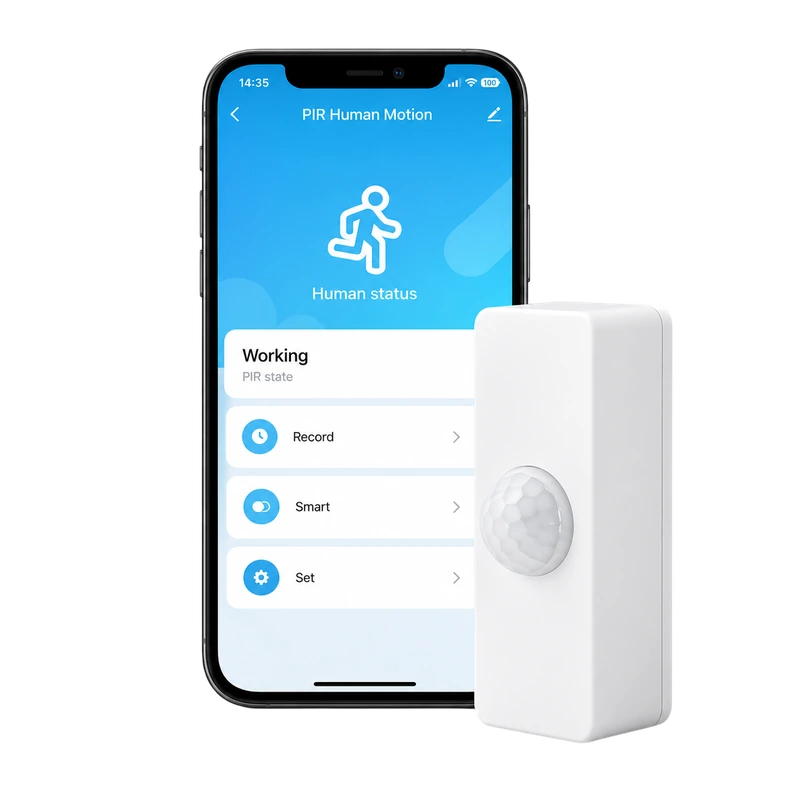
A compact Tuya-compatible WiFi sensor listed for presence and PIR motion detection. Define the action you want before adding another connected device.
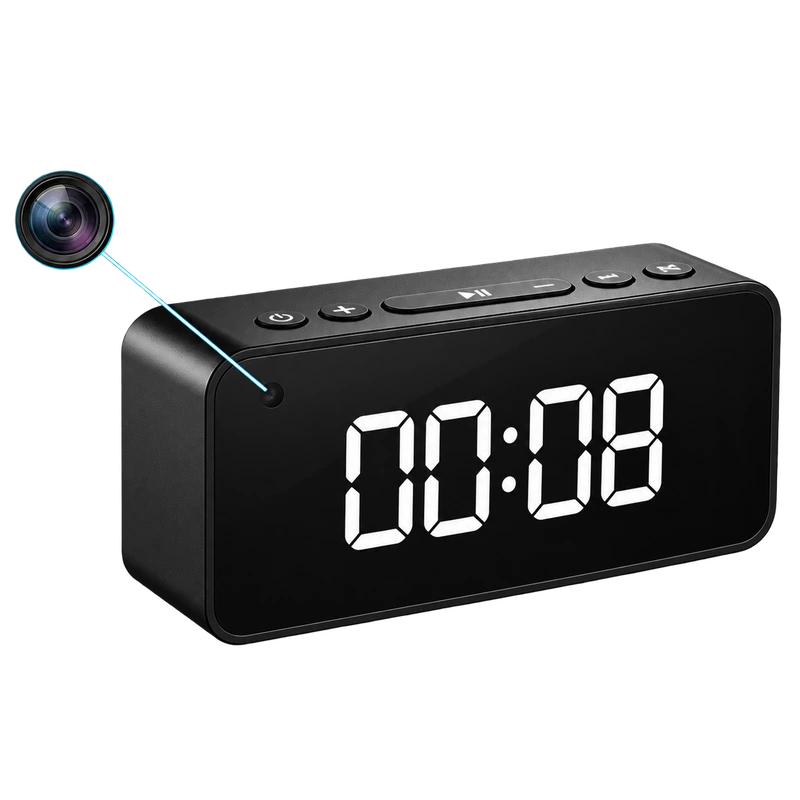 A CLOSER LOOK / 02
MINI & HIDDEN CAMERAS
Where does the lens point? How is it powered? Where does the footage go? Get clear on the details before choosing a compact camera.
The mini camera guide Explore mini & hidden camerasTHE FIELD NOTES
Buying guideThe useful questions to ask before choosing a mini camera. Start with the space, not the resolution.
Read the storyBuying guideA clock is easy to place. A camera needs a view. Here is how to make both work together.
Read the story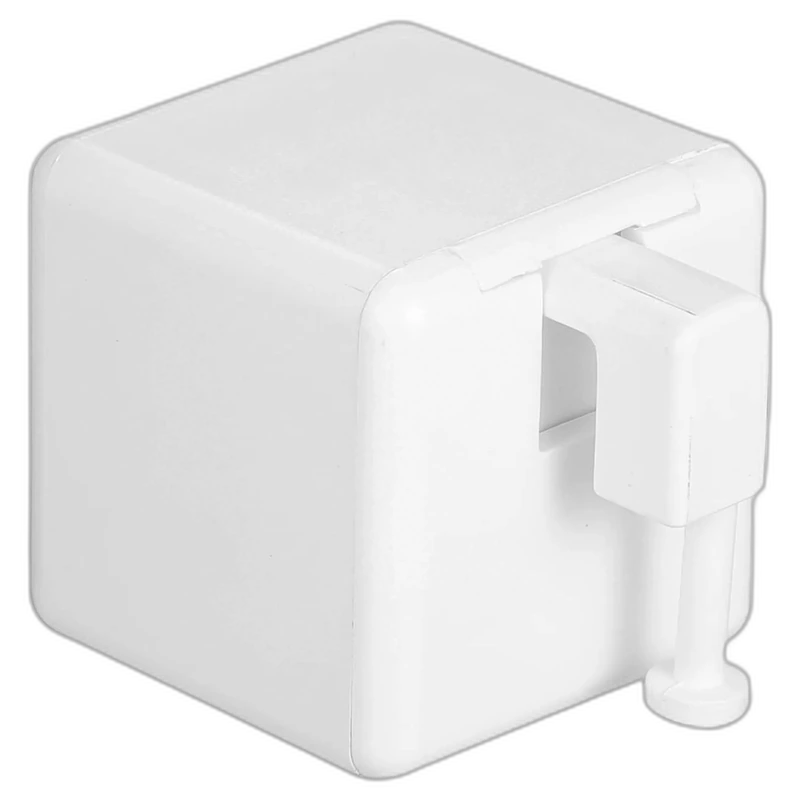 Comparison
Two ways to automate an existing device—and the simple check that tells you which one makes sense.
Read the storyCONNECTED, WITH PURPOSE
A lamp on a schedule. Blinds that fit your morning. Explore the small changes that can make a room work better.
Explore smart homeSIDE BY SIDE
Compare the functions that matter, with missing information made clear.
Make a considered comparison4K WiFi Clock CameraWiFi Digital Clock CameraKEEP EXPLORING