 Buying guide
Small camera. Big questions.
The useful questions to ask before choosing a mini camera. Start with the space, not the resolution.
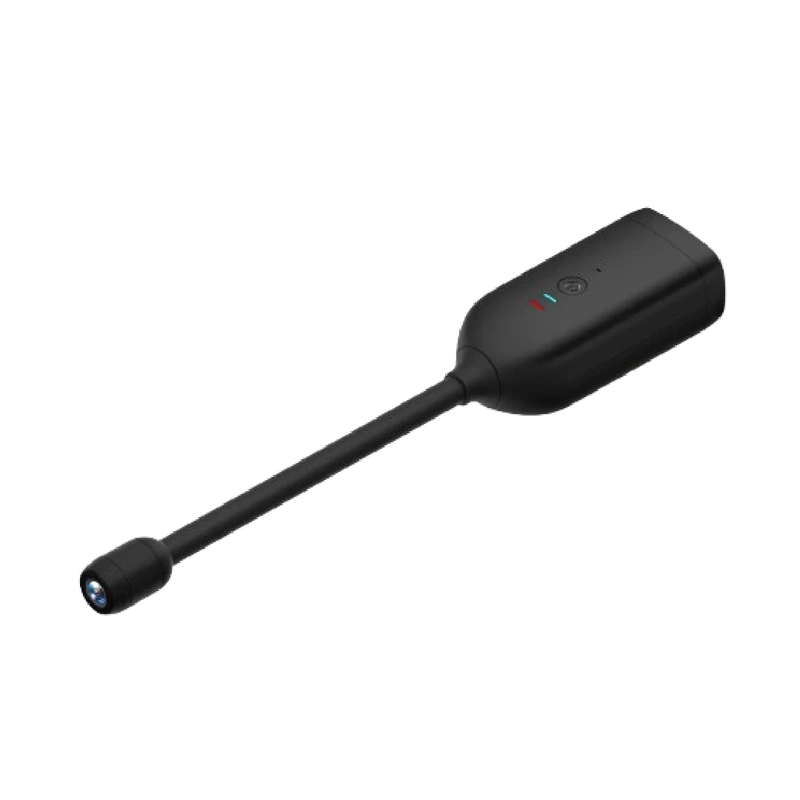
Read the storyORIGINAL MYSMARTLIFE PRODUCT IMAGEThe QJ700 pairs a compact body with a flexible lens cable. Its appeal is placement flexibility, with the lens kept clear and openly identified.
An appropriate indoor monitoring position with limited space around the camera body.
Opens the exact MySmartLife product page in a new tab. Confirm price, options, stock and delivery there.
Listing checked 22 October 2026 · Product ID 112070135
Listing-based guide. No hands-on testing claimed.
THE PRACTICAL PERSPECTIVE
Measure the route between the body and the desired lens position. The flexible section changes placement options; it does not remove the need for a clear view. Keep the lens away from fabric, reflective surfaces and anything that could move across it. Identify the camera and discuss recording with people using the space.
Ask MySmartLife to confirm the current app, WiFi band, local-storage support and expected powered versus battery operation. Those missing details matter more than assuming what a camera of this size normally includes.
Specifications below are attributed to the MySmartLife listing and authorized catalog export. Features, options and availability can change. We do not infer unlisted capabilities or publish ratings and test scores.
Read the source product listingUse cameras with awareness of the people and spaces being recorded. Identify the lens, discuss placement and avoid spaces where people expect privacy.
A LITTLE MORE CONTEXT
Buying guideThe useful questions to ask before choosing a mini camera. Start with the space, not the resolution.
Read the story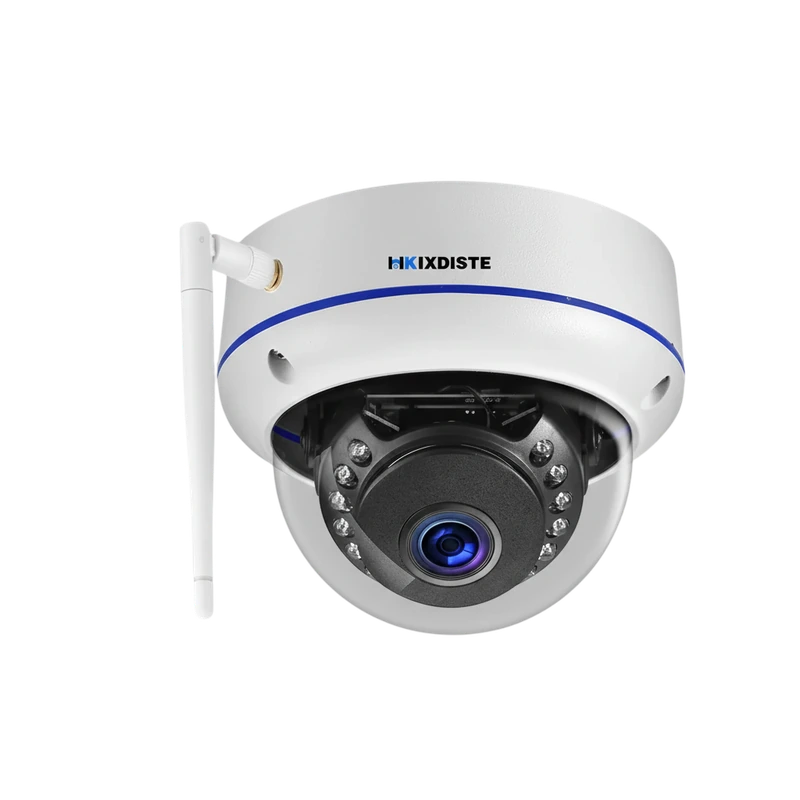 Explainer
Memory cards, cloud plans and USB transfer explained as a practical recording workflow.
Read the storySTAY CURIOUS
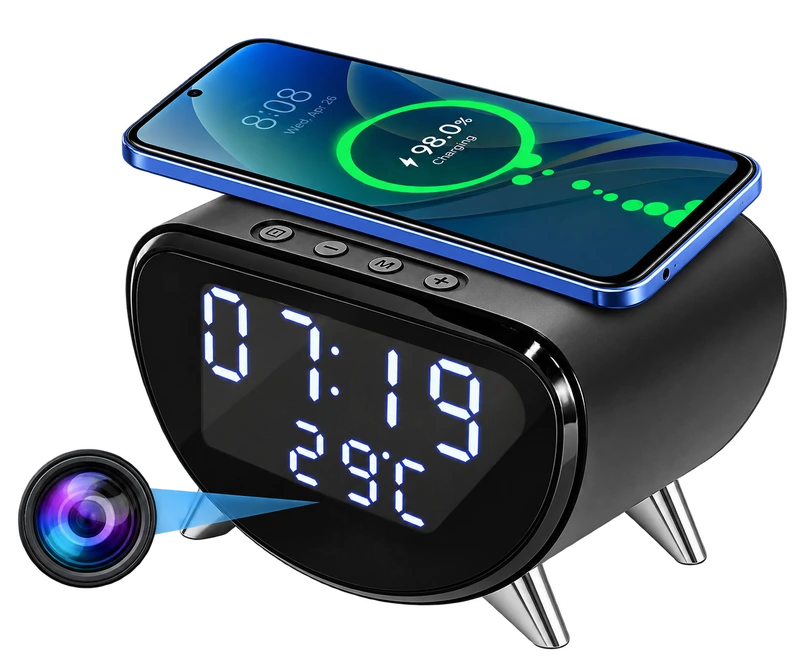
A desk clock, a Qi charging spot and a camera in one footprint. Start with where it will sit, then check how you want to store footage.
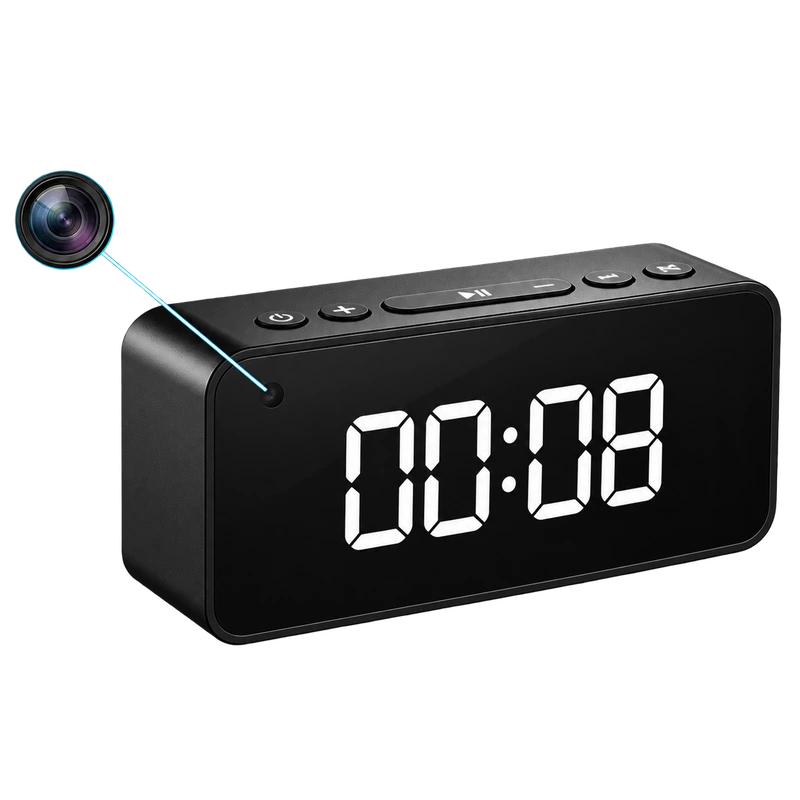
A digital clock camera with Bluetooth audio and separate WiFi viewing. Local recording and remote access are different workflows worth understanding.
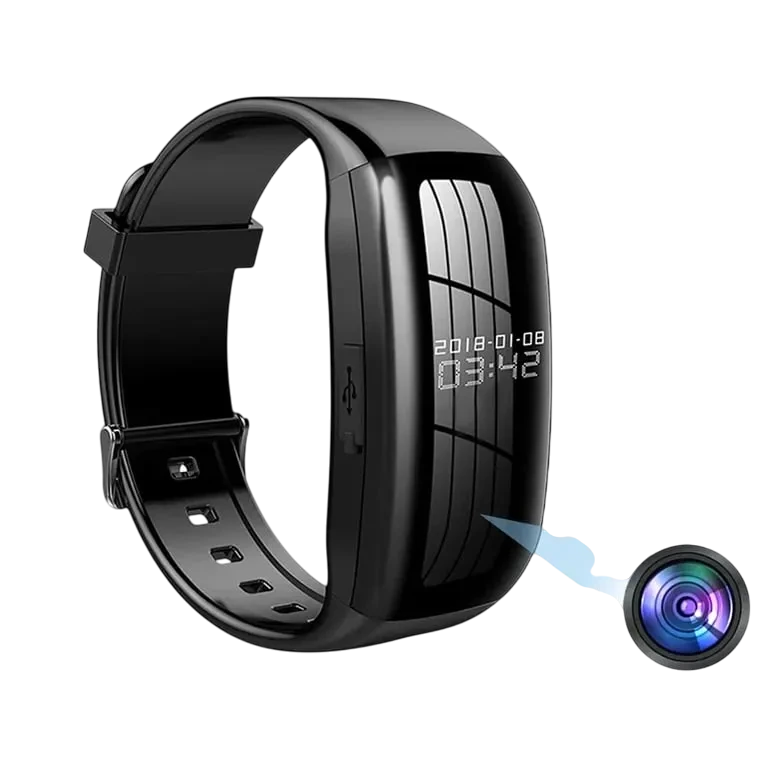
A watch-format recorder for video, still images and voice notes, with USB file transfer. The view follows your wrist, so framing takes deliberate attention.