Start with what the appliance needs
A smart plug changes whether power reaches a connected device. A button pusher moves a small arm against a physical control. Both can make an existing device easier to operate, but they solve different mechanical problems.
Consider a suitable lamp with a simple switch. If the lamp safely resumes lighting when power returns, outlet switching may suit the task. An appliance with an electronic start button may remain idle after power returns; switching its outlet alone cannot press that button. Check the manufacturer’s guidance before trying unattended operation.
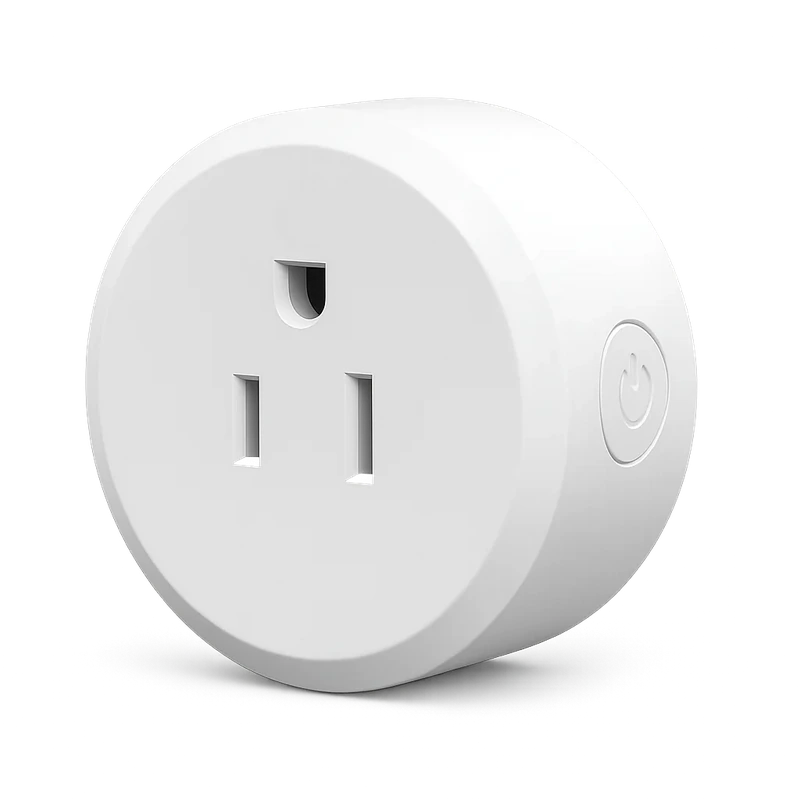
What the Smart Life plug offers
The Smart Life WiFi plug in this collection lists app switching, schedules, a local side button and restart-state settings. It uses a 2.4GHz WiFi network and lists Alexa and Google Home support. Those functions fit a routine built around controlling outlet power.
Check the actual electrical ratings, physical socket format and local suitability before use. Its listing describes switch-history logging; that is not a statement that the plug measures energy consumption. If measuring electricity use is your goal, confirm that specific capability rather than interpreting an activity history as a meter.
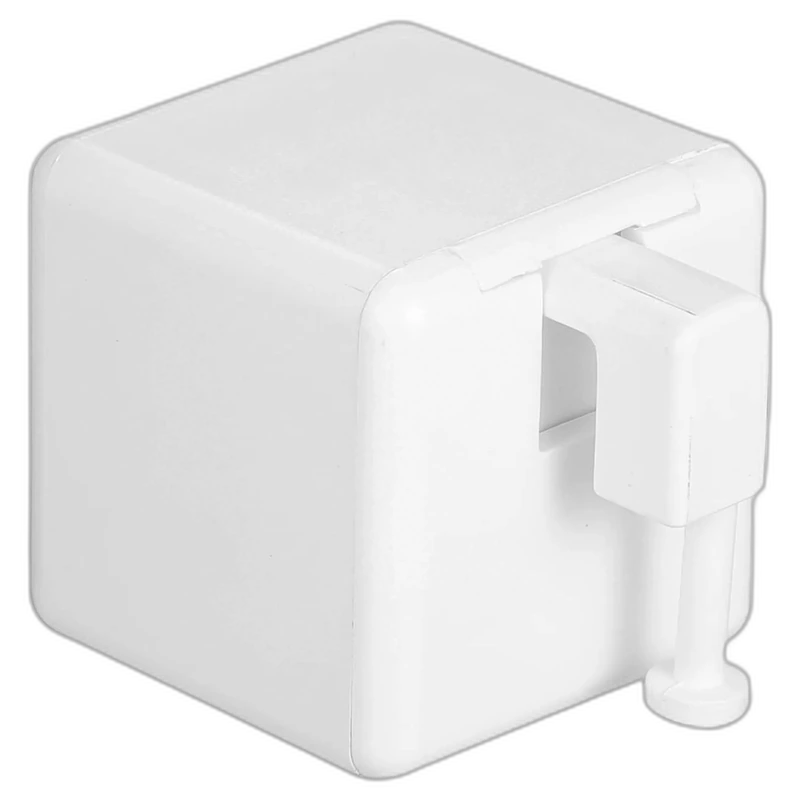
What the BLE Fingerbot offers
The listed Fingerbot uses BLE 4.2 and a 3V CR2 battery. It has adjustable arm travel and press duration, with one arm included and other arm styles sold separately. Direct phone control requires working Bluetooth range.
Before ordering, inspect the button from the side. The arm needs room to reach it and a secure mounting surface nearby. Button travel, required force and whether the control must be held all affect suitability. A product photo cannot guarantee a fit for every appliance.
Do not assume that a Bluetooth actuator includes an internet bridge or away-from-home control. Those are separate requirements to confirm with the seller. The presence of an app does not itself establish remote access from another location.
Compare the complete routine
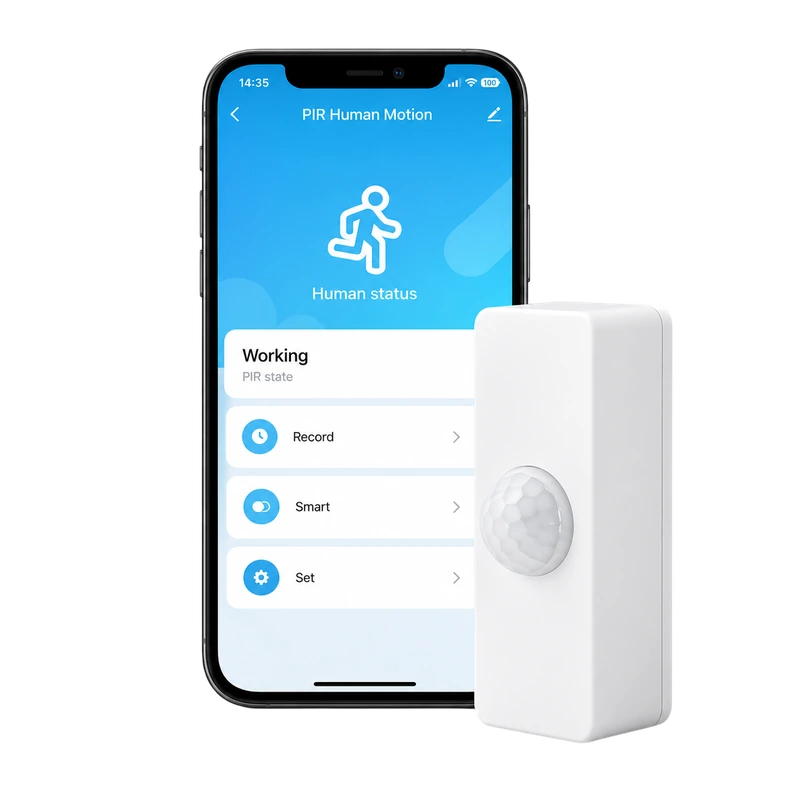
A sensor can provide a trigger only when the devices and platform support the intended automation together. The Tuya-compatible sensor in this collection lists WiFi and presence/PIR motion detection, but its listing does not prove that every possible trigger and action combination will work. Confirm the exact routine, not just the ecosystem name.
- Action: is the useful action restoring outlet power or pressing a button?
- Fit: are the electrical ratings suitable, or can the arm meet the button squarely?
- Connection: does the routine need WiFi access or only nearby Bluetooth operation?
- Recovery: what happens after a power cut, flat battery or missed action?
- Manual use: can everyone still operate the device normally?
Begin with a task you can observe
Choose a convenience task that is easy to test while you are present. Repeat the action, check the result and ensure the attachment or plug does not make manual use awkward. For a plug, inspect restart-state behaviour. For an actuator, check whether repeated presses leave the appliance in the state you expect.
The right device is the one that performs the necessary action reliably in your actual setup. You may find that a normal timer, a different placement or using the appliance manually remains the more practical choice. Automation earns its place when it removes a repeated inconvenience without making the task harder to understand.
Sources & editorial note
Product facts are based on the authorized MySmartLife catalog export dated 17 October 2026 and the corresponding public listings checked 22 October 2026. Practical buying advice is our editorial interpretation. Specifications and availability should be reconfirmed before ordering.
- Smart WiFi Plug – Smart Life App, Voice Control & Timer
- BLE Fingerbot Button Pusher – App Control & Scheduling
- WiFi Human Presence & PIR Motion Sensor for Tuya Smart Home
Corrections are welcome through our contact page.