 How-to
A better camera view starts with placement.
Fixed wide views and pan-and-tilt cameras solve different problems. Sketch the room first.
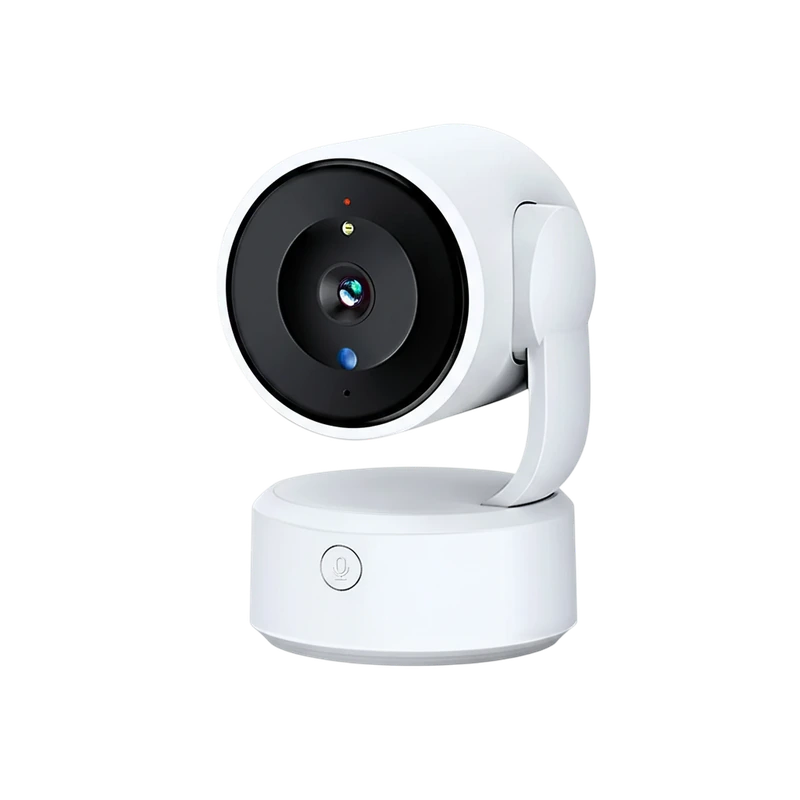
Read the storyORIGINAL MYSMARTLIFE PRODUCT IMAGEAn indoor camera with remote pan and tilt, two-way communication and a physical call button. Placement needs to work for both the lens and the person using that button.
A shared room where adjustable viewing and a reachable call button serve an everyday purpose.
Opens the exact MySmartLife product page in a new tab. Confirm price, options, stock and delivery there.
Listing checked 22 October 2026 · Product ID 112070124
Listing-based guide. No hands-on testing claimed.
THE PRACTICAL PERSPECTIVE
If the call button is the reason to choose this camera, put accessibility first. A high shelf may provide an attractive view but make the button difficult to reach. Check that the camera head can move without contacting nearby objects and that the power lead has a safe route.
Confirm the app version, WiFi band and storage plan with the seller. Test voice communication with the intended users after setup, and agree on who has access to the camera account.
Specifications below are attributed to the MySmartLife listing and authorized catalog export. Features, options and availability can change. We do not infer unlisted capabilities or publish ratings and test scores.
Read the source product listingUse cameras with awareness of the people and spaces being recorded. Identify the lens, discuss placement and avoid spaces where people expect privacy.
A LITTLE MORE CONTEXT
How-toFixed wide views and pan-and-tilt cameras solve different problems. Sketch the room first.
Read the story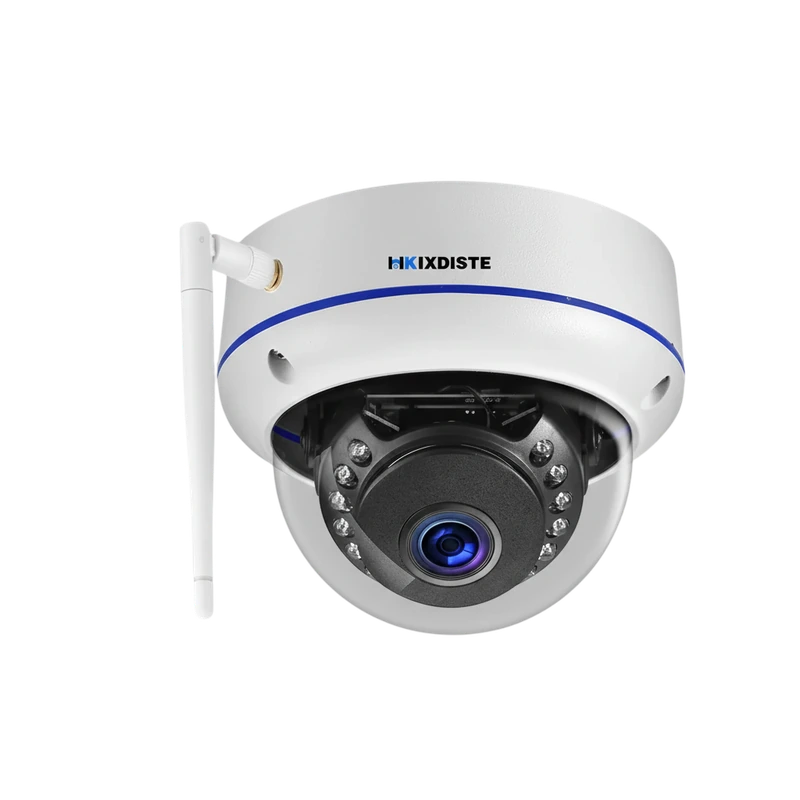 Explainer
Memory cards, cloud plans and USB transfer explained as a practical recording workflow.
Read the storySTAY CURIOUS
A 5MP camera with a listed 150° fisheye lens, infrared night viewing and WiFi or wired networking. Plan which part of the wide view matters most.