Begin with the scene you need to see
A small camera is a format, not a complete answer to a monitoring problem. Before comparing models, write down the area you want to view, where the camera could sit and who shares that space. A doorway, a desk demonstration and an agreed interview each need a different position and recording workflow.
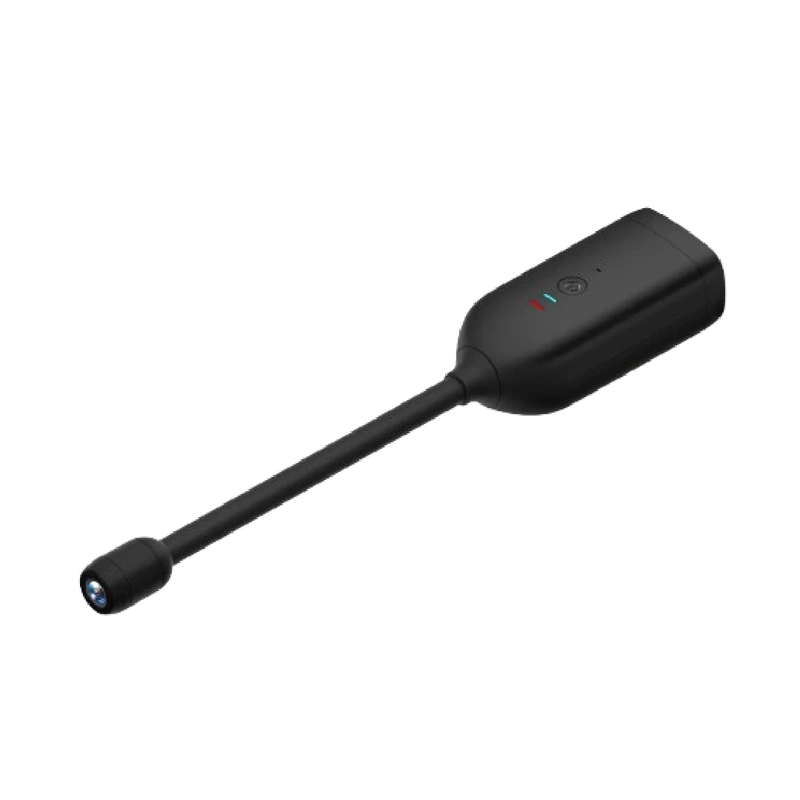
Make a simple sketch with the intended lens position. Mark furniture, cables and nearby reflective surfaces. The body can fit neatly into a space while the lens still points at the wrong thing. A flexible lens cable, such as the one listed for the QJ700, offers placement options; it does not establish a wider angle or better image quality.
Separate recording from remote viewing
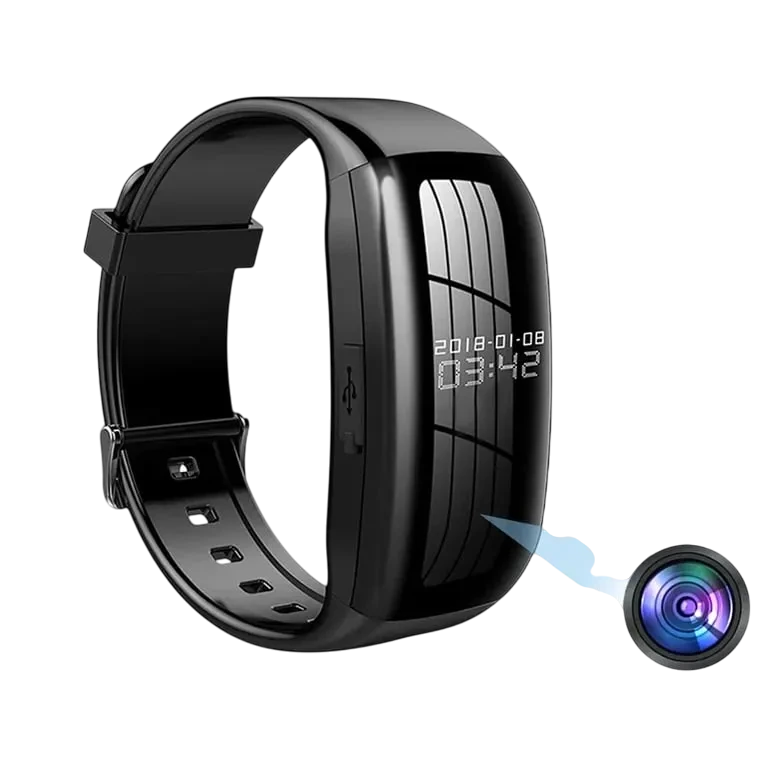
Ask two separate questions: where does the footage go, and how will you see it? USB transfer, a local memory card and phone-based remote viewing describe different tasks. The camera watch in this collection lists USB transfer. The QJ700 lists WiFi. Those are useful distinctions even before you consider the final video image.
If you want to check a room while away, confirm the app, supported network band and internet connection requirements. If you want a recording to review later, confirm the storage method and export process. Do not infer either capability from the word “wireless”.
Make power part of the placement plan
A rechargeable design still needs a charging routine. Ask for the expected runtime under the mode you intend to use, rather than treating standby time as recording time. If the seller has not supplied a measured figure, keep it as an unanswered question.
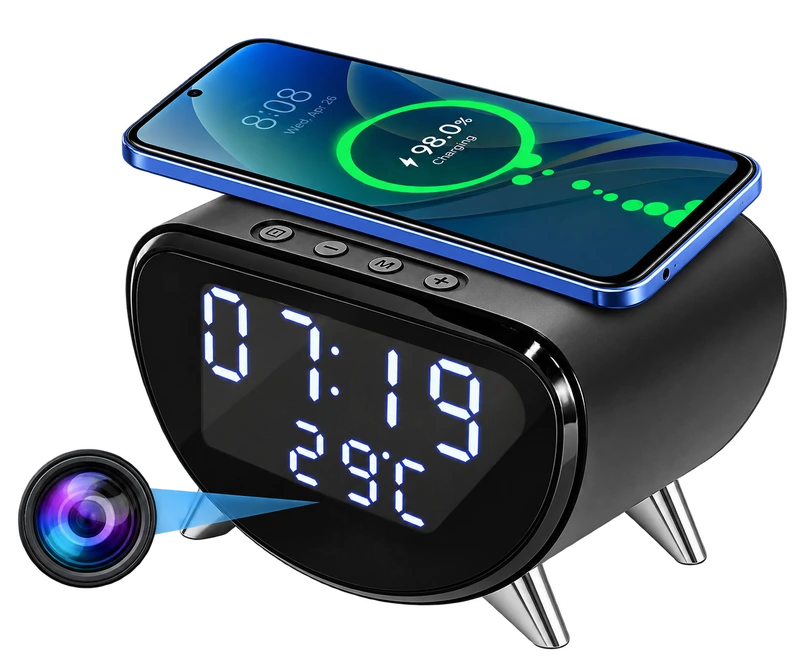
For a desk camera, locate the power socket and route the lead before ordering. For a wearable recorder, consider how often you can remove it for charging and file transfer. A practical power plan is usually more useful than a camera body that is a little smaller.
Build a short seller-confirmation list
Keep answers with the exact model and selected option. Two cameras with similar housings can have different hardware or software. Our product pages deliberately leave unverified details open rather than filling them with typical specifications.
- Which app and phone versions are supported?
- What WiFi band is required, if networking is available?
- What card, capacity and format are supported, and what is included?
- Can a short sample clip be exported in a standard format?
- What happens when the card is full or the network is unavailable?
Use a camera openly and deliberately
Compact and disguised formats still record people and private spaces. Discuss the purpose and placement with the people who use the area, and make the lens location clear. Keep cameras out of spaces where people expect privacy. If you need guidance about a particular recording situation, seek advice appropriate to your location and circumstances.
After setup, make a short test recording in the actual position, review the framing and check the export process. That small rehearsal can reveal a blocked lens, an impractical wrist angle or a storage problem before an important moment is missed.
Sources & editorial note
Product facts are based on the authorized MySmartLife catalog export dated 17 October 2026 and the corresponding public listings checked 22 October 2026. Practical buying advice is our editorial interpretation. Specifications and availability should be reconfirmed before ordering.
- QJ700 1080P Mini WiFi Camera with Flexible Lens
- 1080p Camera Watch – Video & Audio Recording with USB Transfer
- 4K WiFi Clock Camera – Wireless Charging, Night Vision & Motion Alerts
Corrections are welcome through our contact page.