Choose the question the view should answer
A camera view is useful when it answers a specific question: is the doorway clear, is the pet in its usual area, or can a person reach the call button? Begin with that question and the people who share the room. Agree on the purpose and avoid spaces where people expect privacy.
Draw the room and mark potential positions. Consider the camera’s height, the direction of the lens, furniture that might move and the route to power. A position that looks tidy on installation day may become obstructed when a chair is pulled out or a door opens.
Fixed wide view: context from one position
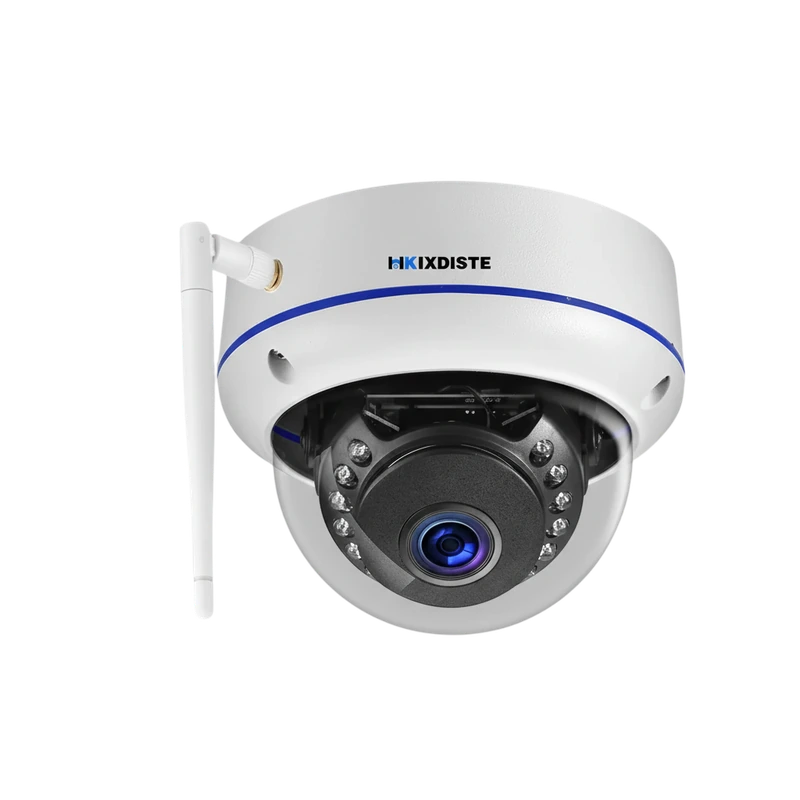
The listed 5MP fisheye camera has a 150° view and a fixed housing. This can suit a room or entrance where you want broad context without changing the direction of the camera. Check how the point of interest appears in the centre and toward the edges.
A wide field of view does not make every distant object large in the image. Avoid treating the angle as a guarantee of readable fine detail throughout the room. Test the actual subject and distance, especially if a specific detail matters.
Pan and tilt: direction can change
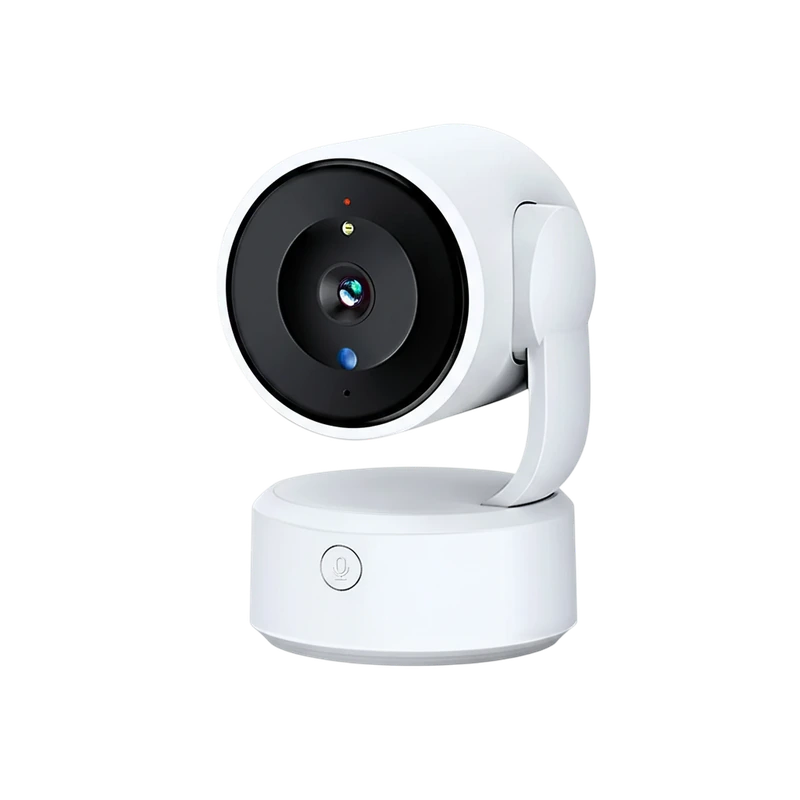
The 5MP indoor PTZ model lists remote direction adjustment, automatic movement tracking and 4× digital zoom. Leave space around the head so it can move. Think about what is visible when it points in each direction, including views you did not intend to share.
Its one-touch call button changes the placement decision. If someone will use that feature, they need a stable, accessible location. A high shelf may offer a broad view while making the communication feature impractical. Keep the button’s purpose understandable to the intended users.
Check connections without making assumptions
The fisheye model lists both 2.4GHz WiFi and RJ45 networking. An Ethernet socket is not evidence of Power over Ethernet capability. Confirm the actual power supply and cable requirements. The indoor PTZ model lists a supplied power adapter and USB lead; route them so they do not create a pulling or trip hazard.
Confirm storage and account access before relying on the installation. The fisheye listing identifies a separate card up to 128GB. The PTZ listing identifies a memory card as optional without resolving its capacity in our source. Keep those model-specific differences clear.
Review the real view at different times
Check a sample during normal daytime use and with the room’s usual evening lighting. Look for reflections, bright windows, moving furniture and blocked areas. Test notifications and export a short clip, then open it on the device you will normally use.
Revisit placement when the room layout changes. If the camera is used for family communication, confirm that people can still reach the button and understand when viewing is active. A connected camera provides a view and communication features; it does not replace direct supervision or a plan for getting help.
Sources & editorial note
Product facts are based on the authorized MySmartLife catalog export dated 17 October 2026 and the corresponding public listings checked 22 October 2026. Practical buying advice is our editorial interpretation. Specifications and availability should be reconfirmed before ordering.
- 5MP Indoor PTZ Camera – One-Touch Call & Tuya App
- 5MP Fisheye WiFi Camera – 150° Lens & IR Night Vision
Corrections are welcome through our contact page.